
Guide to Intergroup Email
This guide outlines the steps to get connected to the Intergroup email server.
The following emails have been created for committee members.
| Position | Email Address | |
|---|---|---|
| General Information | info | @aasantacruz.org |
| Chair | chair | @aasantacruz.org |
| Vice-Chair | vicechair | @aasantacruz.org |
| Recording Secretary | recordingsecretary | @aasantacruz.org |
| Activities | activities | @aasantacruz.org |
| Birthday Speaker Meeting | bsm | @aasantacruz.org |
| Bylaws | bylaws | @aasantacruz.org |
| Diverter | diverter | @aasantacruz.org |
| Newsletter | newsletter | @aasantacruz.org |
| Safety | safety | @aasantacruz.org |
| Treasurer | treasurer | @aasantacruz.org |
| Website | webchair | @aasantacruz.org |
| Office Manager | officemanager | @aasantacruz.org |
| Area 1 (Watsonville/LaSelva) | area1 | @aasantacruz.org |
| Area 2 (Aptos) | area2 | @aasantacruz.org |
| Area 3 (Greater Soquel) | area3 | @aasantacruz.org |
| Area 4 (Little White Church) | area4 | @aasantacruz.org |
| Area 5 (Live Oak/Capitola) | area5 | @aasantacruz.org |
| Area 6 (Eastside Santa Cruz) | area6 | @aasantacruz.org |
| Area 7 (Downtown Santa Cruz/Fellowship) | area7 | @aasantacruz.org |
| Area 8 (Little Red Church) | area8 | @aasantacruz.org |
| Area 9 (Westside Santa Cruz/Davenport) | area9 | @aasantacruz.org |
| Area 10 (Scotts Valley/Emeline) | area10 | @aasantacruz.org |
| Area 11 (San Lorenzo Valley) | area11 | @aasantacruz.org |
| Area Z (Online Meetings) | areaz | @aasantacruz.org |
Logging into Web Mail
When accessing mail, you will need your email address and default password. A default password will be sent to you.
First, go to https://mail.aasantacruz.org. A dialog will ask you to enter your email address and password.
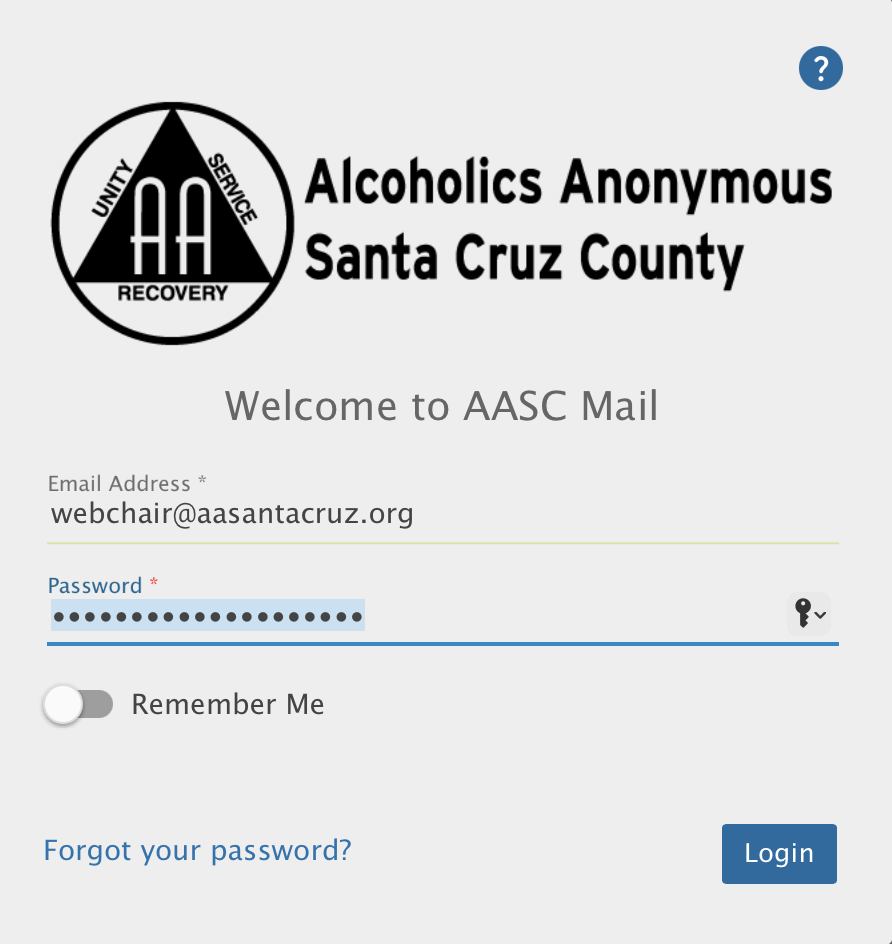
If this is your first time logging in, you will be prompted to change your password immediately.
IMAP / SMTP Settings
If you prefer to use a different mail client (i.e. Gmail, Outlook or Mac Mail) you can do so by setting up an IMAP/SMTP account. During set up you will need the following mail settings:
IMAP Server: mail.aasantacruz.org
SMTP Server: mail.aasantacruz.org
Steps to take when rotation occurs
Contact Central Office to transfer the position email to the new member.