QR Code Resources
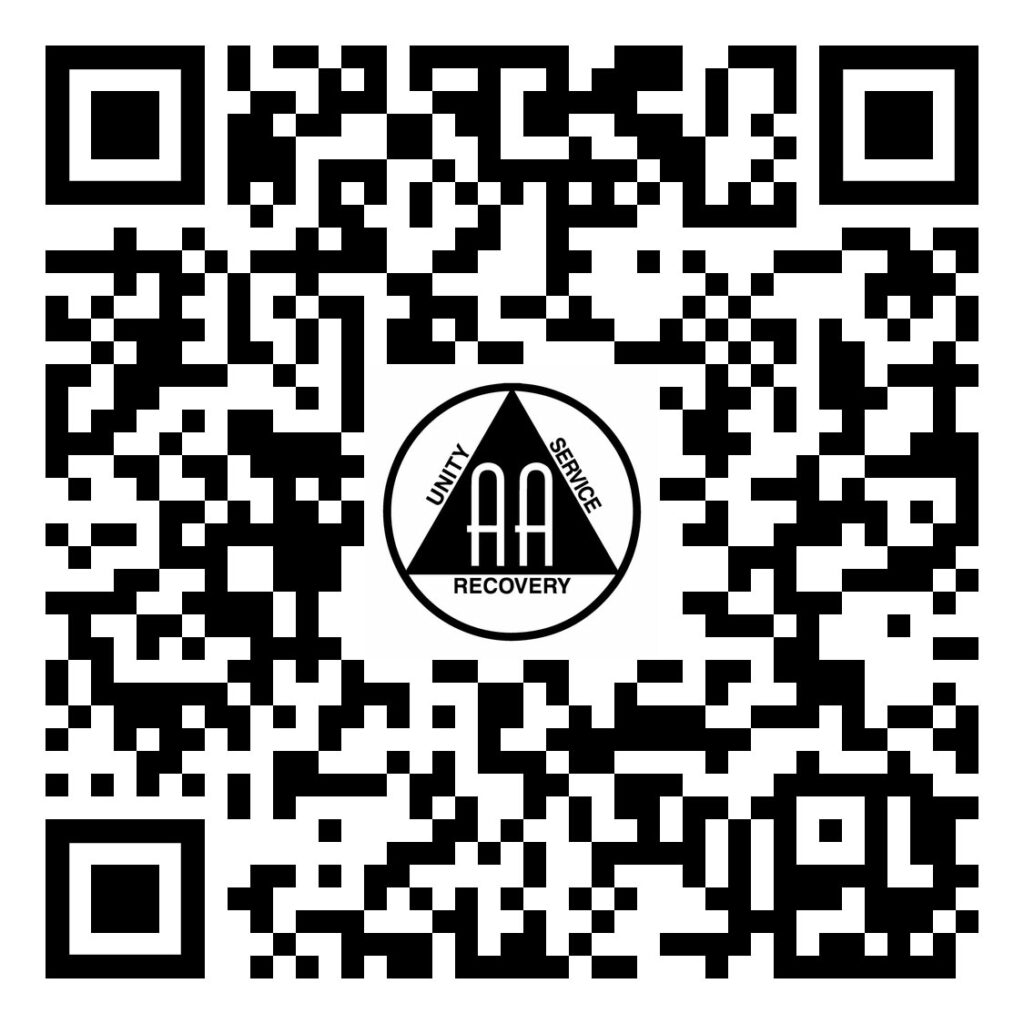
We’ve put together a few resources for you to use on your flyers and event announcements. You can download the images by right-clicking and saving them locally to your computer.
This QR code points directly to the home page of the AA Santa Cruz website.
You can download the images by right-clicking and saving them locally to your computer.

This QR code points to the AA Santa Cruz meeting guide.
You can download the images by right-clicking and saving them locally to your computer.

This QR code points to the AA Santa Cruz events page.
You can download the images by right-clicking and saving them locally to your computer.

This QR code points to the AA Santa Cruz 7th tradition contributions page.
You can download the images by right-clicking and saving them locally to your computer.

This QR code points to the AA Santa Cruz meeting change request form. If you want to add a meeting or request changes to an existing meeting, you’ll want to go here.
You can download the images by right-clicking and saving them locally to your computer.

This QR code points to the AA Santa Cruz content update request form. This is where you can upload flyers to be added to our events section.
You can download the images by right-clicking and saving them locally to your computer.